
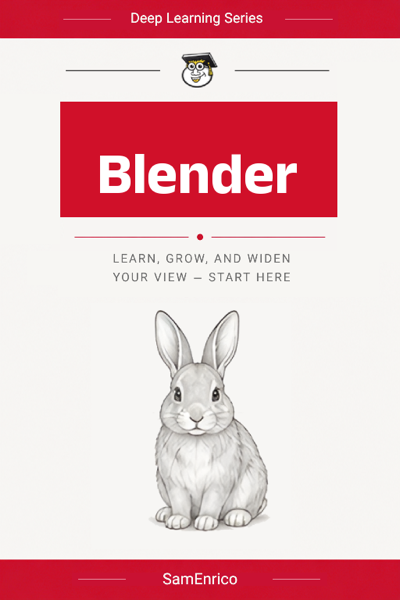
Blender Audiobook
A Coursebook on Blender
by Kurtz Linnea
A Coursebook on Blender
Formats
Free sample
Chapter 1: The Empty Workspace...--It happens to every new Blender user within the first fifteen minutes. You’ve just installed the software, excited by the free galleries of photorealistic dragons and dystopian cityscapes that brought you here. You stare at the default cube sitting in the gray void. A single camera. A single light.
And a mouse cursor that seems to have a mind of its own. You click around. The cube turns orange. You press a key by accident, and the cube disappears. Panic sets in.
Where did it go? What button did you press? Should you restart the computer?Welcome to Blender. This chapter is not about making a masterpiece. It is about making that panic disappear forever.
By the time you finish these pages, you will move through the 3D viewport with the unconscious ease of someone walking through their own kitchen. You will know where the light switch is, where the emergency exit lives, and most importantly, how to get your cube back when it vanishes into the digital void.The Problem with Most Tutorials If you have ever tried to learn Blender from You Tube, you have probably encountered a common pattern. The instructor opens the software, says “we’re just going to jump right in,” and then rattles off twenty keyboard shortcuts in thirty seconds. They assume you know where the Outliner is, what a “viewport” means, and why you should care about the difference between “Object Mode” and “Edit Mode” before you have even selected anything. This book takes the opposite approach.
You will not model anything beautiful in this chapter. You will not create a render worth showing anyone. What you will do is build a mental map of the Blender interface so that when you do start creating, you spend your energy on art instead of archaeology—digging through menus looking for that one tool you saw somewhere once.Installation and First Launch Before we explore the interface, let us make sure you have the right version of Blender and a file structure that will save you hours of frustration later. Go to blender.org and download the latest stable release. As of this writing, that is version 4.2 or higher.
Avoid alpha or beta builds while learning—they change too quickly, and features may move or break. Install Blender normally, but pay attention to where it installs. On Windows, this is typically…
This is the end of the free sample. Get the Audiobook to keep going. Buy now
About this book
Details
- Author
- Kurtz Linnea
- Publisher
- SamEnrico
- Language
- English
- Genre
- Non-Fiction, Informative, Educational
- Released
- 2026-05-04
- Pages (approx.)
- 114
- Available as
- eBook, Audiobook

Listen in the VoxFlicks app
Audiobooks and audio dramas wherever you go. Sign in with your SamEnrico account and press play.
More by Kurtz Linnea
 Conversation Starters for Hotel LoungesKurtz Linnea$11.99
 Remote Communication TrainingKurtz Linnea$11.99
 Email Out of Office GuideKurtz Linnea$11.99
 Pinterest VA Rich Pins DecodedKurtz Linnea$11.99
 DCIS Diagnosis GuideKurtz Linnea$11.99
 Frozen Alchemy: The Arctic Quest for the Elements of LifeKurtz Linnea$11.99
 The Last Letter: A Family’s Hidden WWII Love StoryKurtz Linnea$11.99
 Meeting Blocking StrategyKurtz Linnea$12.99
 MarketForce YC GuideKurtz Linnea$12.99
 Ultimate Handbook Guide to Shishou : (China) Travel GuideKurtz Linnea$11.99
 Understanding Codesette SyndromeKurtz Linnea$17.99