
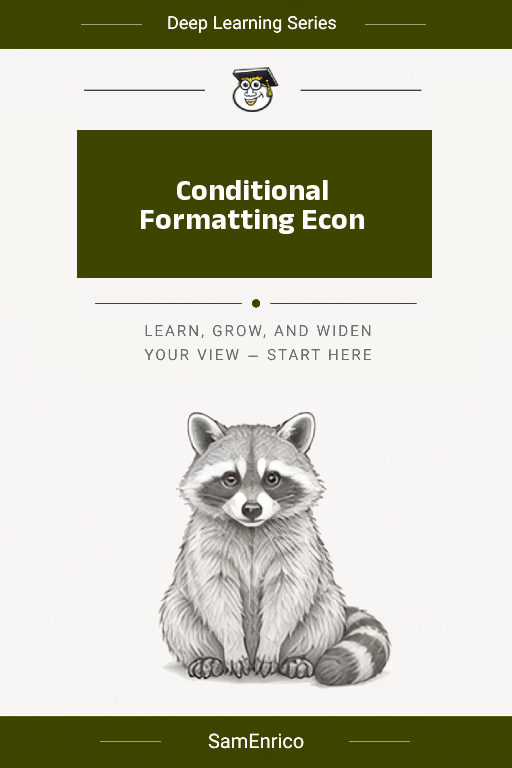
Conditional Formatting Econ
Highlight outliers, trends, and thresholds in econ
Highlight outliers, trends, and thresholds in economic data using Excel conditional formatting.
Formats
About this book
Free sample
Chapter 1: The $2 Million Mistake--–- The email arrived at 6:47 PM on a Friday. Sarah, a junior economist at a regional Federal Reserve bank, had just closed her laptop when her phone buzzed. The subject line read: “Re: Q2 Forecast – URGENT.” Her boss, the head of regional analysis, was forwarding a message from the board of directors. Attached was a spreadsheet. The note above the attachment contained seven words that would change how Sarah thought about Excel forever: “Why did no one see the recession coming?”Sarah opened the file on her laptop, her weekend plans dissolving.
The spreadsheet was the bank’s quarterly economic outlook—forty quarters of GDP data, twenty-four months of employment figures, and thirty-six months of inflation readings. Every number was formatted the same way: black text, twelve-point Calibri, no fill color, no borders, no visual hierarchy. The board had approved policy recommendations based on this spreadsheet. And they had missed three consecutive quarters of negative GDP growth because—as Sarah discovered at 8:15 PM, coffee cold, eyes strained—the negative numbers were not visually distinct from the positive ones.An analyst had to scan each of the forty GDP cells individually to find the three negative quarters. In a hurry, they had missed two of them.
The board approved a forecast that assumed continued growth. The recession, when it came, cost the region an estimated $2 million in misallocated stimulus.Sarah fixed the spreadsheet in ninety seconds. She selected the GDP column, clicked Conditional Formatting → Highlight Cell Rules → Less Than, and typed “0.” Every negative quarter turned light red. She added a second rule for employment: Less Than 0 highlighted job losses in orange. She added a third rule for inflation: Greater Than 0.03 highlighted concerning price increases in yellow.
Three rules. Ninety seconds. A $2 million mistake that would never happen again.This book teaches you to be Sarah. Not the Sarah who closed her laptop at 6:47 PM, but the Sarah who transformed a sea of numbers into a visual dashboard that answers questions before they are asked. This book teaches you conditional formatting—but not the conditional formatting of menu…
This is the end of the free sample. Get the eBook to keep going. Buy now
Contents
- Chapter 1
- Chapter 2
- Chapter 3
- Chapter 4
- Chapter 5
- Chapter 6
- Chapter 7
- Chapter 8
- Chapter 9
- Chapter 10
- Chapter 11
- Chapter 12
Details
- Author
- Steed Cornelia
- Publisher
- SamEnrico
- Language
- English
- Genre
- Non-Fiction, Student's Shortcut, Format
- Released
- 2026-06-01
- Pages (approx.)
- 141
- Available as
- eBook, Audiobook

Read better in the ZLOADR app
Your eBooks on your phone or tablet. Sign in with your SamEnrico account and start reading.
More by Steed Cornelia
 Exercise Brain Clarity GuideSteed Cornelia$11.99
 Overcoming Loneliness for Non DrinkersSteed Cornelia$11.99
 Guardianship for ParentsSteed Cornelia$11.99
 The Immigrant CleanTech FounderSteed Cornelia$11.99
 Diabetic Meal PlanningSteed Cornelia$11.99
 Design Thinking Five Stage GuideSteed Cornelia$11.99
 SAD Diet And Nutrition GuideSteed Cornelia$11.99
 Grit for First RespondersSteed Cornelia$11.99
 The Golden Scalpel: Dr. James McCune Smith and the Healing RevolutionSteed Cornelia$11.99
 Florence Nightingale's War: The Angel of ScutariSteed Cornelia$11.99
 A Collector's Handbook to the Marendaz 125Steed Cornelia$11.99
 Service Providers Guide to Dating & Escort ServicesSteed Cornelia$11.99