
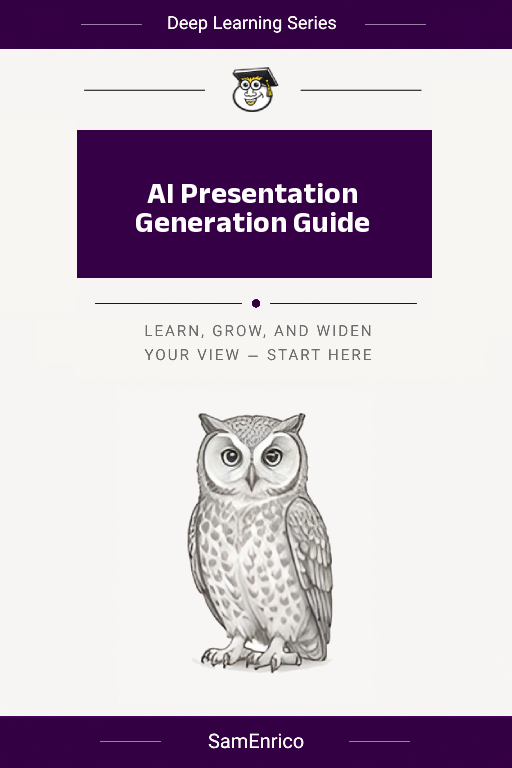
AI Presentation Generation Guide eBook
Use AI to generate slide decks from outlines or pr
Use AI to generate slide decks from outlines or prompts. Create professional presentations in minutes.
Formats
Free sample
Chapter 1: The Blank Screen Paradox--–- The cursor blinks. The screen is white. Your deadline is nine hours away, and you have seventeen slides to build. You open Power Point—or Google Slides, or Canva, or whatever tool your company has blessed—and you stare at that first empty title box. Where do you start?
What is the story? How do you make this look professional when you are not a designer, not a copywriter, and definitely not a magician?If this scenario has played out in your life more than once, you are not alone. In fact, you are part of a massive, silent majority. According to a 2025 survey by the Presentation Guild, the average knowledge worker spends six hours and forty-two minutes building a single ten-slide deck. Six hours.
That is almost a full workday. And what do those six hours actually contain? Formatting hell. Hunting for stock images that don't look like they were licensed in 2014. Rewriting bullet points for the fourth time because the font size is wrong.
Moving a logo two pixels to the left because it is "off" but you cannot explain why.We have been trained to believe that this pain is normal. That presentation software is supposed to be frustrating. That you cannot make a good deck unless you have an art degree or a very expensive template subscription.This book exists to tell you something different: you have been solving the wrong problem.The Blank Screen Paradox is the name for this exact moment of paralysis. It is the gap between what you know (your content, your data, your argument) and what you need to produce (a polished, professional slide deck). For decades, the only way to close that gap was brute force: learn the software, memorize the keyboard shortcuts, build a personal library of templates, and spend thousands of hours developing an intuitive sense of what looks "right."But here is the paradox.
The moment AI entered the presentation landscape in late 2024 and early 2025, the rules changed completely. Not slowly. Not incrementally. Overnight. Tools like Gamma, Beautiful.ai, Microsoft Copilot, Prezi AI, and Google Gemini Canvas emerged that could generate an entire deck from a single sentence.
Suddenly, the problem was no longer "how do I build slides?" The problem became "how do I tell the AI what I actually want?"And that is a very different skill.This chapter is your foundation. Before we talk about prompts, workflows, design systems, or any of the advanced techniques in the rest of this book, we need to rewire how you think about presentations themselves. Because if you bring your old assumptions into the AI era, you will simply generate bad decks faster.The Old Way: Thinking in Slides Traditional presentation software—Power Point, Keynote, Google Slides—trains users to think in slides. This sounds obvious, almost tautological, but the implications are deeper than they appear. When you open Power Point, what do you see?
A blank slide. A title placeholder. A subtitle placeholder. The software literally asks you to start with a slide, not with a story, not with an audience, not with a goal. It asks you to produce a container before you know what goes inside it.This slide-first workflow creates four predictable problems.First, it encourages fragmentation.
You build slide one, then slide two, then slide three. Each slide becomes its own little island. The narrative arc—the through-line that connects everything—is an afterthought, if it exists at all. You have probably experienced this: you finish a deck, step back, and realize that the slides do not flow. The transitions are jarring.
The argument jumps around. That is because you built in pieces, not as a whole.Second, slide-first thinking prioritizes formatting over substance. How many hours have you spent adjusting the alignment of three boxes on a single slide? How many times have you changed a font color, only to change it back? The software makes formatting visible and story invisible.
So you focus on what you can see.Third, it traps you in linearity. Power Point assumes that every presentation has a beginning, a middle, and an end, presented in exactly that order. But that is not how humans process information, especially in sales, education, or interactive meetings. Sometimes an audience member wants to skip ahead. Sometimes they want to revisit an earlier point.
Linear slides force them to sit through your sequence, not theirs.Fourth, and most importantly, slide-first thinking separates content from design. You write your bullet points. Then you try to make them look good. These two activities are treated as separate phases, often performed by different people. But good communication does not work that way.
The way something looks changes the way it is understood. Separating content and design is like writing a song lyrics-first and melody-second—possible, but rarely optimal.The AI Era: Thinking in Narratives AI-native presentation tools flip this entire model on its head. Instead of starting with a blank slide, you start with a prompt: a description of what you want to say, to whom, and why. The AI then generates a complete narrative structure—an outline with logical flow—before a single slide is designed. Only after the story is approved do you even see a visual layout.This is not a minor improvement.
It is a fundamental shift in the creative process. You move from being a slide-builder to being a story-orchestrator. Your job is no longer to align boxes; your job is to make strategic decisions about argument, evidence, tone, and pacing. The AI handles the mechanical work of turning those decisions into professional visuals.To understand why this matters, consider how professional writers work. A novelist does not start by formatting page margins.
A journalist does not start by choosing a font. They start with an outline, a thesis, a structure. The formatting comes last. AI presentation tools finally allow non-designers to work the same way.The Rise of Generative Presentation Tools (2024–2026)Between 2024 and 2026, the presentation software market underwent a transformation more radical than anything since Power Point's original launch in 1990. Five major AI-native tools emerged, each with a different philosophy and use case.
Understanding the landscape is essential because no single tool is best for every situation. You need to know which tool to reach for when the deadline is one hour versus one week, when the audience is the C-suite versus a classroom, when you have existing documents versus a blank slate.Let us survey the current field as it stands in early 2026. Note that this landscape evolves quickly—but the underlying principles (what each tool is good at) tend to persist even as specific features change.Gamma Gamma launched in 2024 and quickly became the default choice for what we will call "speed-to-deck." Give Gamma a prompt—or paste in an existing outline—and it generates a visually polished, fully designed presentation in under sixty seconds. Its design aesthetic leans modern and card-based, similar to a well-designed website or Notion page. Gamma excels at the "Midnight Oil" scenario: you have one hour, zero design skills, and absolutely no time to fuss with alignment.The trade-off is control.
Gamma makes strong design decisions for you. If you want to override those decisions—to force a specific color, a specific…
This is the end of the free sample. Get the eBook to keep going. Buy now
About this book
Details
- Author
- Paterson Sylvie
- Publisher
- SamEnrico
- Language
- English
- Genre
- Non-Fiction, AI Operator, Corporate Communications
- Released
- 2026-05-28
- Pages (approx.)
- 148
- Available as
- eBook, Audiobook

Read better in the ZLOADR app
Your eBooks on your phone or tablet. Sign in with your SamEnrico account and start reading.
More by Paterson Sylvie
 NVC For Mourning GuidePaterson Sylvie$11.99
 Teen Self Compassion WorkbookPaterson Sylvie$11.99
 Canva Brand Identity for Sports TeamsPaterson Sylvie$11.99
 Twelve Step Sponsorship ManualPaterson Sylvie$11.99
 The Dragon of Saint George's Last StandPaterson Sylvie$11.99
 Health and Dental Claims AnalystPaterson Sylvie$11.99
 Learn to Play the BanduraPaterson Sylvie$11.99
 How to Start a Cardboard Business (Beginners Guide)Paterson Sylvie$11.99
You may also like
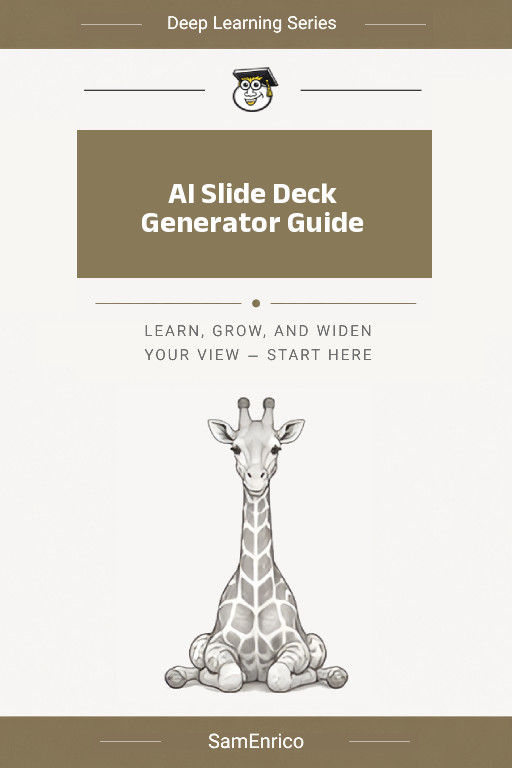 AI Slide Deck Generator GuideBusby Philomena$12.99
 AI for Training and Onboarding DecksDuff Carmen$12.99
 AI for Slide Deck DesignNolan Hoyt$12.99
 AI for Sales Deck CreationHavens Sean$12.99
 AI for Speaker Notes GenerationHutcherson Tresa$12.99
 AI for Pitch Deck GenerationIvey Adriane$12.99
 AI for Internal Communication DecksNeumann Layne$12.99
 AI for Slide Deck RepurposingCulp Raylene$12.99
 AI for Data Visualization in DecksCosgrove Toby$12.99
 AI for Conference Presentation DecksBoling Jospeh$12.99