
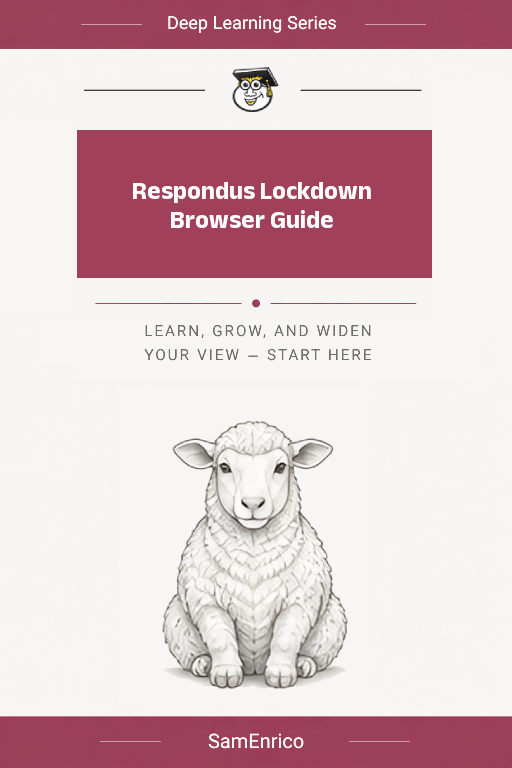
Respondus Lockdown Browser Guide
Install and configure Respondus Lockdown Browser c
Install and configure Respondus Lockdown Browser correctly including webcam check and pre exam system validation.
Formats
About this book
Free sample
Chapter 1: The Digital Mirror...--You are about to let a piece of software watch you take a test. That sentence either fills you with mild discomfort or absolute dread, depending on who you are. For some students, Respondus Lock Down Browser and its companion, Respondus Monitor, represent nothing more than a minor inconvenience—a few extra clicks before an exam. For others, the idea of a webcam recording their every blink, glance, and whispered breath feels like an invasion of privacy so profound that it triggers anxiety attacks before the first question even loads. And for a significant number of students, the real problem is neither fear nor principle—it is simply that the software refuses to work, and they have no idea why.This book exists because all three of those groups need help.
The anxious student needs to understand what the software can and cannot see. The principled student needs to know their rights and the limits of automated proctoring. And the frustrated student—the one staring at an error code five minutes before a final exam—needs a solution, fast.Before we dig into installation, configuration, or troubleshooting, we have to answer a more fundamental question: What exactly is Respondus Lock Down Browser, and why is your university asking you to install it on your personal computer? The answer is more nuanced than most people realize.The Two Faces of Respondus Most students use the term "Lock Down Browser" as a catch-all for the entire proctoring experience. This is like calling every vehicle a "car" when you are actually dealing with trucks, motorcycles, and bicycles.
In reality, Respondus offers two distinct products that work together but serve entirely different functions.Lock Down Browser is the first component. Think of it as a digital prison for your computer. It is a custom web browser—built on the same underlying technology as Chrome but heavily modified—that prevents you from doing almost anything except taking your test. Once you launch Lock Down Browser, you cannot open a new tab. You cannot right-click to copy text.
You cannot take a screenshot. You cannot open any other application, whether it is Spotify, Slack, or your notes. The…
This is the end of the free sample. Get the eBook to keep going. Buy now
Contents
- Chapter 1
- Chapter 2
- Chapter 3
- Chapter 4
- Chapter 5
- Chapter 6
- Chapter 7
- Chapter 8
- Chapter 9
- Chapter 10
- Chapter 11
- Chapter 12
Details
- Author
- Griffiths Cheri
- Publisher
- SamEnrico
- Language
- English
- Genre
- Non-Fiction, Student's Shortcut, Respondus Guide, Lockdown Browser
- Released
- 2026-05-26
- Pages (approx.)
- 144
- Available as
- eBook, Audiobook

Read better in the ZLOADR app
Your eBooks on your phone or tablet. Sign in with your SamEnrico account and start reading.
More by Griffiths Cheri
 HIIT Hydration StrategiesGriffiths Cheri$11.99
 Competitive Analysis CreativityGriffiths Cheri$11.99
 Valorant Competitive Addiction GuideGriffiths Cheri$11.99
 Smokeless Tobacco Cessation WorkbookGriffiths Cheri$11.99
 Ototoxic Medications for SeniorsGriffiths Cheri$11.99
 Gold Rush Gambit: How a 19th-Century Mining Baron Bought an ElectionGriffiths Cheri$11.99
 Echoes of the Silent Stars: The Unsung Heroines of Apollo 11Griffiths Cheri$11.99
 Understanding Cardiomyopathic LentiginosisGriffiths Cheri$17.99
 Oil and Gas B2B Selling GuideGriffiths Cheri$12.99
 Warehouse StaffGriffiths Cheri$11.99
 How to Start a Curtains, Drapes and Interior Blinds (commission Agent) Business (Beginners Guide)Griffiths Cheri$11.99