
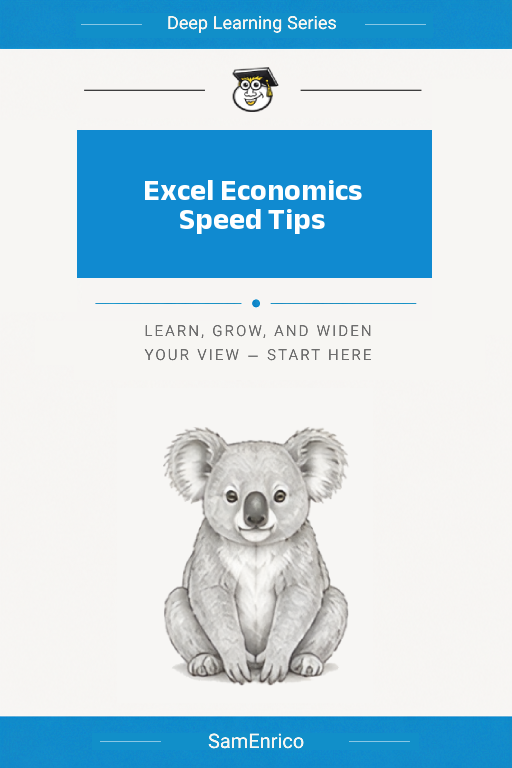
Non-FictionSpeed Tips GuidePractical Skills
Excel Economics Speed Tips
50 time-saving Excel tricks specifically for econo
by Peck Joslyn
50 time-saving Excel tricks specifically for economics exams. Master mouse-free navigation and rapid formula entry.
Formats
About this book
Free sample
Chapter 1: The Scroll Tax--–- In a dimly lit exam hall, surrounded by the quiet clicking of forty mice and the soft hum of laptop fans, you are losing time. You do not feel it yet. Each second slips away not while you are thinking about elasticities or calculating GDP deflators, but while you are doing something far more mundane: moving around your spreadsheet. You drag the scroll bar down, overshoot, drag back up. You click on cell B237, then reach for the mouse again to click on cell R237.
You highlight a column of inflation data by clicking and dragging – slowly, imprecisely – across 12,000 rows. By the time you finish the exam, you will have spent nearly fifteen minutes on actions that should take zero seconds. Fifteen minutes. That is the difference between finishing the last question and leaving it blank. That is the difference between an A and a C.This chapter is called “The Scroll Tax” because that is exactly what it is: a hidden tax levied on every economics student who uses Excel with a mouse.
The tax rate is approximately two seconds per navigation action. Over the course of a three-hour exam, with roughly four hundred navigation actions, you pay about thirteen minutes. Thirteen minutes that could have been spent checking your regression output, refining your written answers, or simply breathing.The good news is that this tax is entirely optional. You can opt out. Not by working faster with the mouse – that is like trying to win a Formula One race by driving a sedan slightly more aggressively – but by abandoning the mouse altogether.
This chapter teaches you the four keyboard shortcuts that eliminate the Scroll Tax completely. By the time you finish reading and practicing, you will navigate economics datasets with the speed and precision of a professional data analyst. You will never drag a scroll bar again.The True Cost of Point-and-Click Before we transform your hands, let us quantify exactly what the mouse costs you. I want you to feel the weight of those lost minutes so that the shortcuts that follow feel…
This is the end of the free sample. Get the eBook to keep going. Buy now
Contents
- Chapter 1
- Chapter 2
- Chapter 3
- Chapter 4
- Chapter 5
- Chapter 6
- Chapter 7
- Chapter 8
- Chapter 9
- Chapter 10
- Chapter 11
- Chapter 12
Details
- Author
- Peck Joslyn
- Publisher
- SamEnrico
- Language
- English
- Genre
- Non-Fiction, Speed Tips Guide, Practical Skills
- Released
- 2026-06-01
- Pages (approx.)
- 145
- Available as
- eBook, Audiobook

Read better in the ZLOADR app
Your eBooks on your phone or tablet. Sign in with your SamEnrico account and start reading.
More by Peck Joslyn
 Desert Sunset VisualizationPeck Joslyn$11.99
 Raising My VoicePeck Joslyn$11.99
 Retirement Account Fee GuidePeck Joslyn$11.99
 Metta for Caregiver BurnoutPeck Joslyn$11.99
 The Calm Driver Road Rage WorkbookPeck Joslyn$11.99
 The Architect and the Abandoned: The Bittersweet Fall of a Renaissance VisionPeck Joslyn$11.99
 A Beginners Guide to Gin Rummy (Volume 1)Peck Joslyn$11.99
 Urban Outfitters SWOTPeck Joslyn$12.99
 Hybrid Maize HarvestingPeck Joslyn$11.99
 Understanding Nesidioblastosis of PancreasPeck Joslyn$17.99
You may also like
 Hong Kong Handover 1997Dunn Johnnie$11.99
 Zumba For Postnatal Recovery CourseNeal Christian$11.99
 Zumba for BeginnersLadner Nikia$11.99
 YouTube Comment Mining GuideHumes Pandora$12.99
 Worry Box MeditationCarlin Rudy$11.99
 Workplace Stress MeditationNguyen Lynn$11.99
 Workplace Stress and Sleep RepairHawley Ivory$11.99
 Workplace Perfectionism CureDelaney Jeffry$11.99
 Workplace Injustice Anger GuideWallen Isabelle$11.99
 Work Addiction and Burnout LinkGreenwood Ester$11.99
 Women in Yoga and WellnessBeattie Galina$11.99
 Women in Stand Up ComedyChun Evangeline$11.99